
WhatsApp Business API + HubSpot
HubSpot <> Whatsapp integration Automate Your sales funnel
A WhatsApp Business API HubSpot integration ends fragmented channels that slow your sales process.
 Listed in the HubSpot Solutions Directory
Certified partner
The Integration
Automate Whatsapp communication With HubSpot
Integrating WhatsApp with HubSpot allows you to sync messages and contacts in real time. Scale your efforts by eliminating manual data entry and making all campaigns and contact updates automated.
-
Boost Your Team’s Efficiency with Seamless Integration
Forget about wasting time manually managing contacts across multiple platforms. With HubSpot <> WhatsApp integration, all your conversations and customer data are automatically updated in your CRM, giving you an accurate overview and reducing admin work.
-
Scale Your Sales and Marketing Campaigns
Measure your campaign performance and refine your WhatsApp communication strategy with HubSpot’s reporting tools. Gain valuable insights and make data-driven decisions to maximize conversions.
-
Clean Up Your CRM from Outdated Information
Clean up your CRM by identifying and removing outdated, incorrect, or irrelevant information. Improve decision-making by providing reliable data and optimizing sales and marketing efforts.
Certified partner
A certified HubSpot partner, accountable for platform implementations and integrations
Our team works inside HubSpot every day, certified, listed in the Solutions Directory, and reviewed by the clients whose portals we run.
The Gap
Two channels, two versions of the same customer.
The WhatsApp disconnect
-
Sales leadership
Deals move on WhatsApp, but HubSpot never hears about it.
Reps close conversations in their phones. The CRM still shows the last email from three weeks ago, so pipeline reviews run on memory instead of data.
Pipeline visibility lost
-
Marketing
Campaign lists are rebuilt by hand every single time.
Numbers are copied between spreadsheets, WhatsApp groups and HubSpot lists. Formats drift, duplicates pile up, and segments stop matching reality.
Segments out of date
-
RevOps
Phone numbers exist in a dozen different formats.
Without a single standard, matching a WhatsApp chat to the right contact fails silently, and conversations end up on the wrong record or nowhere at all.
Records don't match
-
Customer experience
Customers repeat themselves to every new person they talk to.
Past conversations live on one person's device. When someone else picks up the thread, the context is gone and the customer starts from zero.
Context lost at handoff
Setup & Training
Let’s Get You Started
We’ll walk you through the setup and provide hands-on training, ensuring your team can fully take advantage of the integration for ongoing communication and marketing campaigns.
-
1. Automated Messages in Bulk
Set up tailored marketing or sales campaigns that automatically send messages based on customer segmentation and lists.
Reach out to 150-500 contacts daily, mimicking native WhatsApp messaging and protecting your account.
-
2. Sync chats effortlessly
Ensure all WhatsApp interactions are captured in HubSpot, with accurate data for future outreach and follow-ups.
Sync your CRM regardless of whether you have 1,000 or 10,000 contacts – we will go through all.
-
3. Conduct testing and optimization
After the initial integration, we’ll help you test the system and make necessary adjustments to fine-tune the connection.
Build multiple WhatsApp lists, and sort your current contacts based on segmentation.
The Process
A Deep Dive into Our WhatsApp integration process for hubspot
-
Conducting a thorough research to select the best integration tools
We focus on identifying solutions that would not only handle the immediate needs but also align with your long-term vision of implementing a fully or semi-automated Sales funnel.
-
Optimizing your CRM for better performance and data accuracy
A significant part of the process involves cleaning up your existing HubSpot database. We can export all contacts, correct phone number formats, and remove entries with missing or duplicate information.
-
Automating the synchronization process between HubSpot and WhatsApp
After we pick the most appropriate integration tool, our team quickly moves to implementation. Various extensions like Cooby, allow you to connect your WhatsApp accounts to HubSpot, syncing more than 7000 contacts and 11000 messages in a matter of minutes.
-
Providing ongoing support or training to ensure a seamless transition
To ensure you can independently manage your sales and marketing funnels, we can recorded a series of video tutorials and how-to guides. These resources will covered everything from the initial setup to best practices for running automated WhatsApp campaigns.
Stack & Architecture
How the sync works
-
Every chat, number and message from your team's WhatsApp accounts is captured as the starting point of the flow.
-
The connector we select for your volume and processes links each WhatsApp account to HubSpot and moves messages in real time.
-
Phone numbers are forced into one format and duplicates are merged, so every chat lands on the correct contact.
-
Conversations are logged on the contact timeline and contact details stay updated automatically, with no manual entry.
-
Segmented lists drive automated bulk messages, and HubSpot reporting shows how each WhatsApp campaign performs.
Governance & Training
WhatsApp <> HubSpot pipeline
Field Mapping
Owner / playbook
Documented data fields
Test Campaigns
Before go-live
Internal numbers first
Hover a stage to inspect
Case Studies
Our Success Stories
-
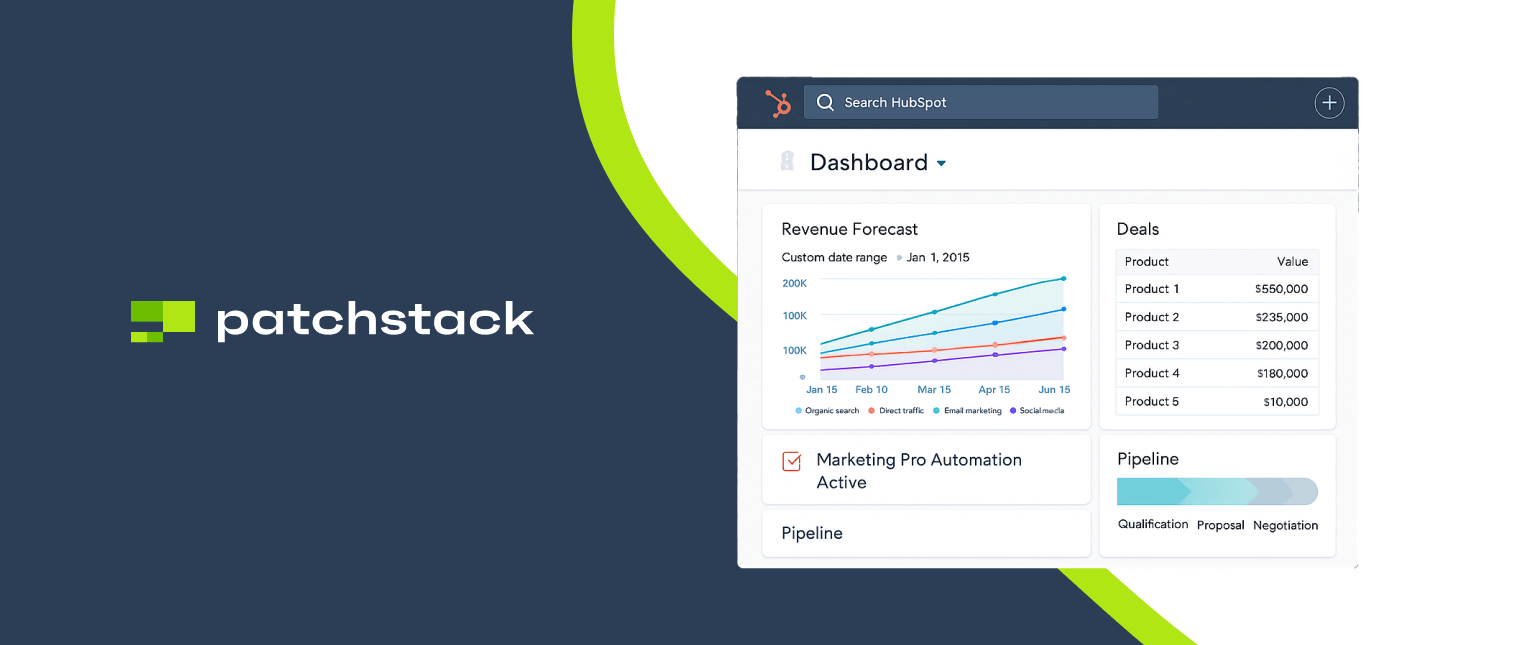 Revenue Operations
Patchstack gets full pipeline visibility with a HubSpot RevOps system built in 3 months
-
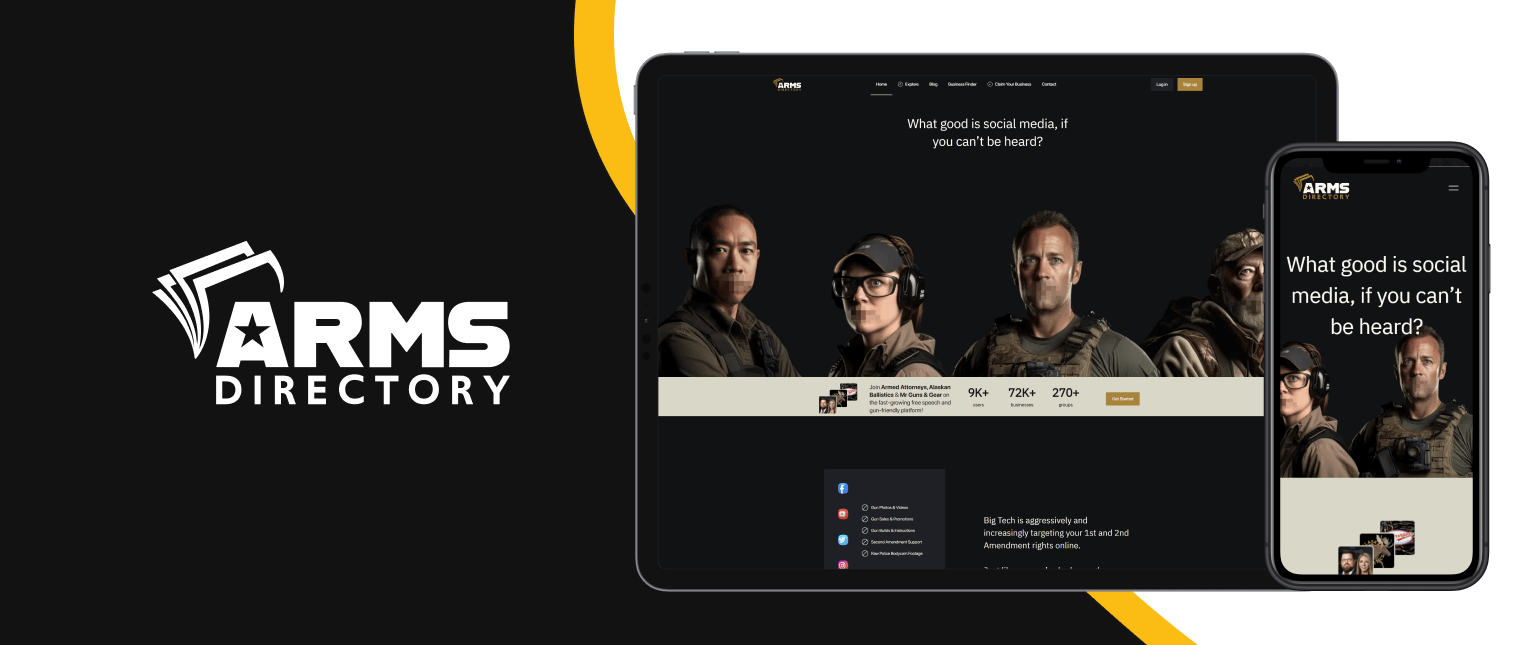 Web Projects · 2024
Arms Directory’s Transformation
Arms Directory’s Transformation: Achieving 600% Traffic Growth through Technical and Marketing Excellence
-
2024
WhatsApp Business API Integration with Zendesk, HubSpot
Automated, large-scale messaging with full data sync to HubSpot. This cut manual work by 80% and gave them a foundation for scalable, Meta-compliant campaigns.
-
 Web Projects · WordPress Projects
HubSpot to Salesforce Migration in 5 Days [Unblu]
A rapid platform transition, migrating all forms from diverse content areas.
-
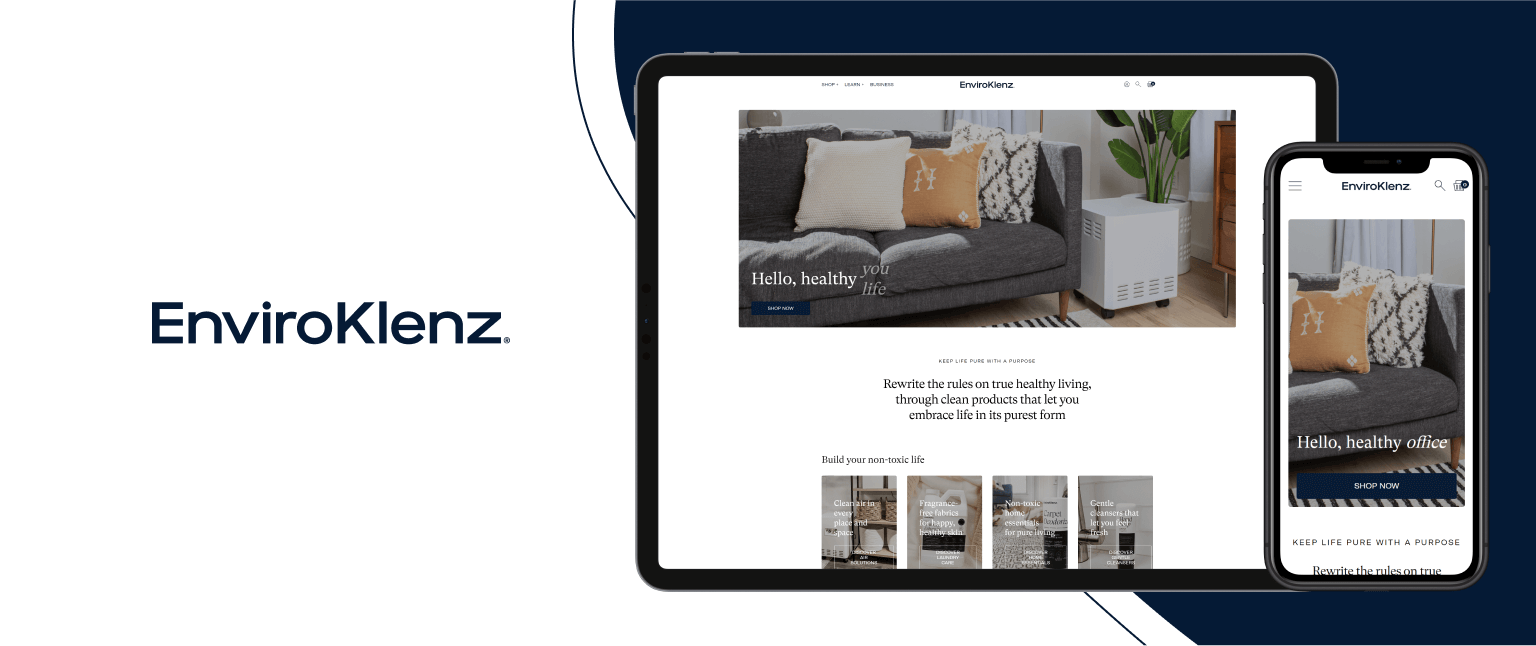 Revenue Operations
 and HubSpot Optimization – EnviroKlenz Case Study, Part 2
A RevOps framework that aligned technology, process, and people. EnviroKlenz gained speed, clarity, and confidence, with revenue operations powering their next stage of growth.
Challenges
Your Challenges Our Solutions
-
Disjointed Communication Channels
Integrating WhatsApp with HubSpot creates a unified communication system, saving time and securing that your sales and marketing teams are always on the same page.
-
Manual Data Entry
With automation, we eliminate the need for manual entry, ensuring that all contact data and conversations are automatically synced into HubSpot.
-
Lack of Real-time Insights
Monitor and analyze the effectiveness of your WhatsApp communication using HubSpot’s advanced reporting features, enabling you to adapt and improve quickly. This data empowers you to optimize messaging, and improve overall customer engagement, ensuring that your WhatsApp campaigns are always aligned with your business goals and delivering the best results.
-
Fragmented Customer Experience
Deliver a seamless customer experience by ensuring that your team has access to all past conversations, allowing for quicker and more personalized responses.
Our Method
Step by step timeline
-
Step 1 – Data Cleanup
The first step is to clean up your CRM. Once we get access to your HubSpot dashboard, we are going to review the data you have – formats, accuracy, and relevancy. The goal we aim for is to have an updated Customer Manager platform with correct phone numbers, before we begin with the integration process.
-
Step 2 – Funnel Review
While we are cleaning up your CRM, we are going to review your Sales funnel, and the way you have set up WhatsApp. Depending on the complexity of your processes we will review the most adequate tools, and begin preparing your account for the integration.
-
Step 3 – CRM Connection
Once the integration between WhatsApp and your CRM is completed, we are going to review all the settings and data fields if they are correct. This will include running a few campaigns to internal numbers, checking the synced data on HubSpot, and internal experiments with mass massaging.
-
Step 4 – Testing and Demonstration
Once your contacts are updated, and the integration is tested and completed, we are going to run the first live campaign together to make sure the connection is finalized. In addition to this, we are going to walk you through all the tutorial videos and guides, so you can delegate the improved WhatsApp communication to your internal Marketing or Sales teams.
Stack
Built into the systems you already use.
- HubSpot CRM & Reporting
- WhatsApp Personal Accounts
- WhatsApp Business App
- WhatsApp Business API High Volume
- Cooby Sync Extension
- HubSpot Workflows Automation
- HubSpot Lists Segmentation
- Video Tutorials Team Training
One clean record in HubSpot
Every WhatsApp chat, every contact and every campaign resolves to the same clean record in HubSpot.
By the Numbers
Empowering Success in Numbers
We redefine collaboration, innovation, and success. From our unwavering commitment to excellence to our dynamic approach that adapts to your unique needs, discover why working with us is not just a choice, it’s a strategic investment in your unparalleled success.
-
97%
Satisfaction rate
-
150+
Delivered projects
-
15
Years of experience
Testimonials
Success Stories from Our Clients
Explore the firsthand experiences of those who chose to partner with us and witness the transformative power of our innovative solutions.
-
“When it comes to a web dev project, DevriX gets the job done, period. They quickly jumped in on a partially-started project and led it to completion in record time. They worked with our team to iron out the finer details while building the full picture. Communication, attention to detail, and attentiveness were all 5-star. Stellar work.”
Mihail Stoychev Co-founder, CEO of NitroPack -
“DevriX enabled us to deliver an entirely reimagined B2B website in under 3 weeks. From backend integrations to mobile layouts on the frontend, I was continually impressed with the team’s knowledge and, equally important, ability to think like a user. The engineers weren’t just completing deliverables, they were proactively suggesting solutions to our challenges, and filling in gaps where requirements were incomplete or unclear. Communication was clear and effective throughout the course of the project. Highly recommended for teams looking to move fast!”
Adam Sewall VP Marketing, Verkada -
“Mario, Stanko and team are great to work with. We’ve worked with them on a number of complex, original applications, and can always count on them to bring extensive knowledge and skill to every project. They’re also very conscientious in their approach – always striving to build the most technically reliable solution. If you’re looking to create a robust software exactly to spec, then I’d highly recommend these guys!”
Tom Murray Viral Lead Machine -
“Working with DevriX and retaining their full-service WordPress digital solutions has been an absolute pleasure. Their team is consistently responsive and capable, guiding us seamlessly from the initial stages of defining scope to the execution and ongoing management of our website. I particularly value their organized project plans and excellent communication via project management tools. Moreover, their commitment to scheduling regular meetings within my time zone shows their dedication to their client relationships. DevriX is always eager to address any questions or concerns, ensuring that nothing falls through the cracks, and they’re nimble when it comes to reprioritizing tasks or adapting to changes in direction.”
Katie Bottrell Spotlio -
“Collaborating with DevriX on our web project was an absolute game-changer. Right off the bat, they dove in and became an extension of our team. They really took the time to understand our business, offering advice that felt tailored to us. Their technical skills were impressive, but it was their insights and ability to troubleshoot that made the biggest difference. The whole team was incredibly responsive and easy to work with, always looking out for our best interests. Their meticulous attention to detail and expertise in building scalable, high-performing websites was evident throughout the project. DevriX is more than a vendor; they’re a partner. I highly recommend them to anyone looking to build or expand their online presence.”
Elena Kostova Head of Marketing, NitroPack
FAQ
Frequently Asked Questions
We address common queries, demystify intricacies, and provide insights to guide you through our services.
How does HubSpot integration with WhatsApp work?
Integrating HubSpot with WhatsApp through third party tools allow businesses to sync WhatsApp messages with contacts in the HubSpot CRM. Automatically logging conversations, and updating contact information enables managers to maintain accurate records and track communications in one place.
Can I use personal WhatsApp numbers for the integration?
Yes, the integration works with personal WhatsApp accounts. However, for businesses with higher messaging volume, we recommend switching to WhatsApp Business or API for better scalability and additional features. Personal WhatsApp accounts can work well for smaller-scale operations and one-on-one communications.
Will the integration affect my existing WhatsApp conversations?
No, your existing WhatsApp conversations will remain unaffected. Once the integration is set up, new messages will be synced with HubSpot. It’s important to ensure the contact data in HubSpot is properly formatted to avoid syncing issues, which we help resolve during setup.
How long does it take to implement the integration?
The implementation process typically takes between 3-10 business days. After selecting the right integration solution, we will guide you through the setup, configure your CRM, and ensure everything syncs properly. Once the setup is complete, your team can start using the integration immediately.
Next Step
Talk to a team that scales revenue infrastructure, not just websites.
A 30-minute assessment of your current setup, with a clear recommendation either way.